GTM Setup Services
GTM setup is the configuration of Google Tag Manager to deploy and manage tracking tags without modifying website code. Oddtusk implements GTM containers with conversion tracking, remarketing pixels, and server-side tagging.
Google Tag Manager is the control centre for your marketing data, yet most brands use it only as a basic script container. A poor setup leads to slow sites, broken tracking, and revenue figures you cannot trust. Oddtusk builds GTM architectures designed for speed and precision: a robust, scalable system that captures every critical data point without technical debt. Our setups ensure your data remains clean, organised, and ready for analysis across all your marketing platforms.
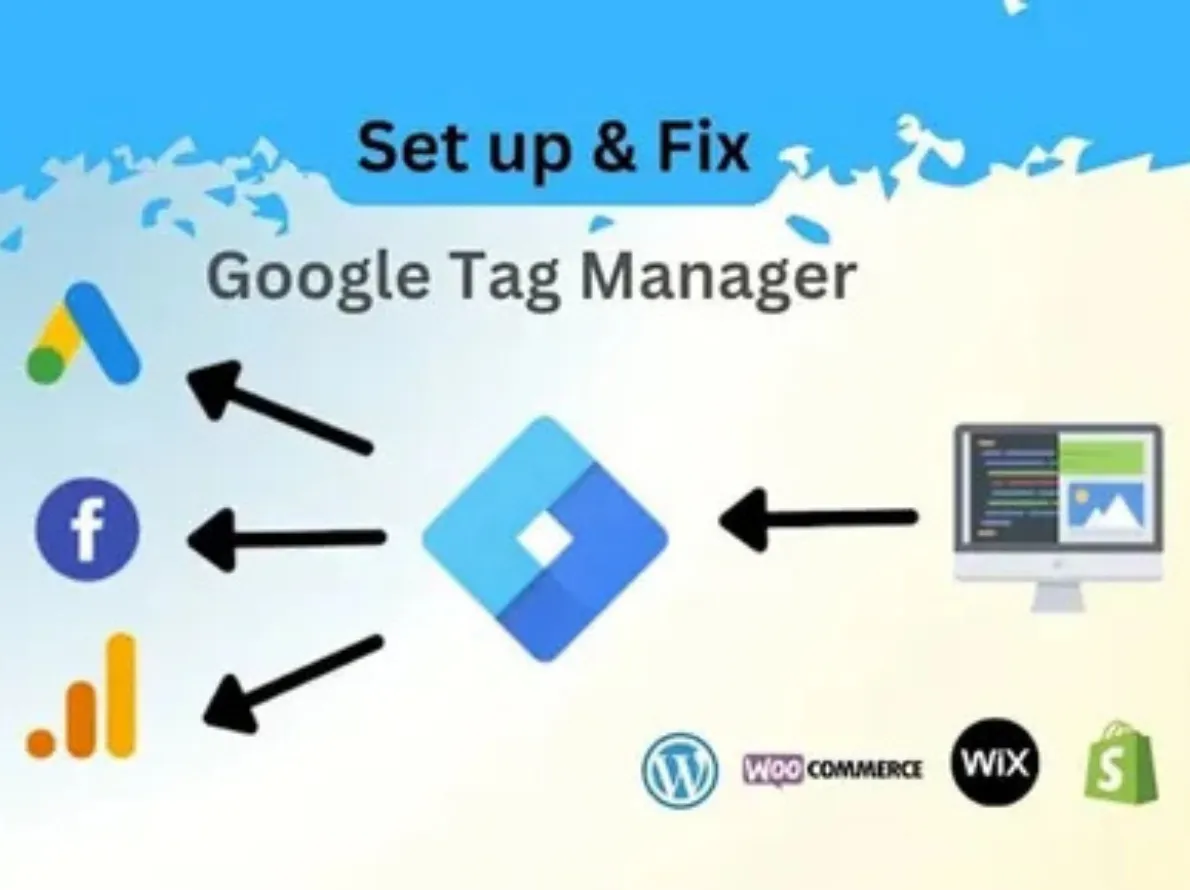
- GTM Container Architecture and Setup
- Data Layer Implementation
- GA4 Ecommerce Event Tags
- Meta Pixel and CAPI Integration
- Google Ads Conversion Tracking
- Consent Mode v2 and CMP Integration
- GTM Audit and Container Cleanup
A messy container is a liability. Your tracking should be fast,
Most agencies clutter GTM with redundant tags that bloat your site's code, leading to slow page loads and conflicting data. Oddtusk focuses on efficiency: we audit every tag, trigger, and variable to ensure your container is lean and logical. By centralising your tracking logic, we make it easier to manage updates and new platform integrations. The output is a high-performance architecture that powers accurate GA4, reliable Meta signal, and clean Google Ads conversion data for every channel in your ecommerce stack.
Container Infrastructure and Governance
We establish a professional GTM structure with naming conventions that make management effortless. Our setup includes separate environments for testing and production, preventing broken tags from reaching live users. We implement strict governance to ensure every tag serves a specific business purpose. This structured approach lets your marketing team launch new campaigns quickly while maintaining a clean, error-free container that feeds accurate data to GA4.
Data Layer Strategy
A tracking setup is only as effective as the data feeding it. We define custom data layer specifications that push structured information: product SKU, value, and user status directly to GTM. This moves away from unreliable scraping of page elements. By building a robust data layer, we ensure your tags receive consistent, high-integrity data regardless of design changes, providing the technical foundation for accurate GA4 ecommerce reporting.
Advanced Trigger Logic
Standard page view triggers often miss the real story of user intent. We build custom triggers for deep engagement signals: scroll depth, video interactions, and form completions. By refining when and where tags fire, we reduce unnecessary script execution. This precision ensures your marketing pixels only receive high-quality signals, leading to better audience segmentation and more efficient optimisation in paid media campaigns.
Pixel and Script Management
Third-party scripts are often the primary cause of site performance issues. We audit and migrate your Meta, Google, and other pixels into a centralised GTM system. We implement firing sequences to ensure critical tracking loads first while secondary scripts load asynchronously. This strategy protects your site speed while ensuring every conversion gets recorded accurately across all attribution platforms, verified in GA4.
Consent Mode and Privacy Compliance
Privacy regulations and browser restrictions make traditional tracking difficult. We integrate GTM with your Consent Management Platform to ensure tags only fire when users provide permission. This setup utilises Google Consent Mode v2 to recover lost data through modelling while maintaining strict compliance. By building privacy into your architecture, we protect your brand from legal risk and ensure data collection remains resilient for D2C brands scaling across markets.
Server-Side GTM Implementation
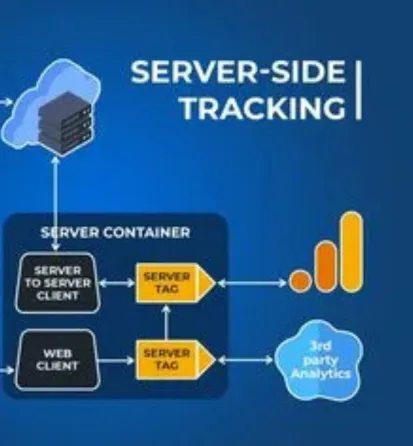
Client-side tracking is losing accuracy due to ad blockers and browser limitations. We migrate your high-value tracking to a server-side environment, moving processing off the user's device and onto your server. Server-side GTM increases data security, extends cookie life, and improves site speed. This advanced setup is the most accurate data foundation available for performance marketing attribution and audience building in a cookieless world.
70% of inherited containers have duplicate tags. CAPI via GTM

Across GTM audits on brands that self-implemented or accumulated tags from multiple agencies, approximately 70 percent contain at least one duplicate conversion tag or misfiring trigger. Most commonly a duplicate purchase event silently inflating revenue and ROAS figures across GA4 and paid media platforms.
Brands that implement Meta Conversions API through GTM alongside the browser pixel consistently see 10 to 20 percent improvement in Event Match Quality score. This directly improves the algorithm's ability to match ad exposures to purchases and optimise prospecting campaigns.
A full GTM implementation covering GA4 ecommerce events, Meta Pixel standard events, and Google Ads conversion tracking for a standard Shopify brand typically completes in 5 business days from data layer specification to QA sign-off.
From container audit to clean, documented tag infrastructure
Audit and Architecture Plan
Data Layer Implementation
Tag and Trigger Build
QA and Debugging
Migration and Publishing
Documentation and Training
Straight answers to the questions that matter.
Google Tag Manager is a free tag management system that allows brands to deploy and manage tracking code, analytics tags, advertising pixels, and conversion scripts without making direct changes to the website codebase for each update. For ecommerce brands, GTM is essential because the number of tracking tags required to manage paid media across Meta, Google, and other platforms alongside GA4 would otherwise require developer involvement for every change. GTM provides a version-controlled, auditable environment where tracking changes can be tested before publishing and rolled back if something breaks.
A data layer is a JavaScript array in the website's code that stores structured information about user interactions, including product details, cart contents, transaction values, and customer attributes, in a consistent format that GTM tags can read. For ecommerce tracking, the data layer ensures accurate product and transaction data reaches GA4 and paid media pixels rather than whatever text the tag can scrape from the visible page. Without a data layer, tags rely on DOM scraping, which breaks when page layouts change and cannot capture data that does not appear visibly on the page.
A well-structured ecommerce GTM container typically contains 15 to 40 tags depending on the number of platforms being tracked. A standard setup for a D2C brand running Meta Ads and Google Ads alongside GA4 covers the GA4 configuration tag, 7 to 8 GA4 ecommerce event tags, Meta Pixel base code, Meta standard event tags, Google Ads conversion tracking, and Consent Mode tags. Containers with 80 or more tags without clear documentation almost always contain redundant, conflicting, or misfiring tags that need to be audited and cleaned.
Google Consent Mode v2 is a framework that allows Google tags to adjust their behaviour based on the user's cookie consent choices, collecting anonymised, modelled data for users who decline tracking rather than firing no tags at all. It is required for brands using Google Ads or GA4 in markets covered by GDPR. In India, formal consent mode requirements are less prescriptive, but implementing Consent Mode v2 from the outset is best practice because it improves conversion modelling accuracy for Google Ads campaigns when users opt out of direct tracking.
GTM Preview mode gets used to test whether GTM tags fire on the correct triggers and whether variables are reading the correct values from the data layer before the container is published. GA4 DebugView gets used to verify that GA4 received the events correctly and that all event parameters, including item arrays, revenue values, and transaction IDs, arrived with the right values. Both tools get used together in the QA process: GTM Preview confirms tags are firing correctly, and GA4 DebugView confirms the data GA4 actually received.
Yes, GTM is fully compatible with Shopify and is the recommended tracking method for Shopify brands running multiple marketing channels. GTM gets installed by adding the container snippet to the theme's header section and to the checkout pages and order confirmation page via the Shopify Additional Scripts or Customer Events section. For Shopify Plus brands, GTM can be implemented directly on all checkout pages. For standard Shopify plans, the Customer Events web pixel API gets used for checkout tracking. We account for these platform-specific constraints in every Shopify GTM implementation.
Duplicate tag firing occurs when a tag fires more than once for the same user interaction, typically because multiple triggers match the same event, because page reloads cause the tag to re-fire, or because two separate tag configurations exist from different implementation periods. Prevention requires correct trigger specificity, where triggers fire only on the specific dataLayer event push rather than on a broad page view condition. Transaction deduplication for purchase tags uses the transaction ID stored in a cookie or session storage to block re-firing. GTM container audits identify all existing duplicate configurations before new tags get added.
Server-side GTM moves tag processing from the user's browser to a server you control, sending data to platforms like GA4 and Meta from the server rather than from the browser. This improves tracking accuracy in the post-iOS 14 environment because browser-based tracking gets blocked by ad blockers and privacy browsers, whereas server-side requests bypass these restrictions. For ecommerce brands spending significant budgets on paid media, server-side GTM is the recommended implementation for Conversions API and GA4 Measurement Protocol events because it improves signal quality for performance bidding.
A full GTM implementation for a Shopify brand covering GA4 ecommerce events, Meta Pixel standard events, and Google Ads conversion tracking typically takes 5 to 10 business days from kickoff to sign-off. This includes data layer specification, container build, QA testing against live Shopify test orders, revenue reconciliation with Shopify, and handover documentation. GTM audits and cleanup of existing containers take 3 to 5 business days depending on container complexity. Timelines extend when payment gateway redirect flows require custom handling.
GTM containers get published as versioned snapshots, meaning every published container has a version number that can be restored instantly if a new version causes issues. If a tag implementation error occurs, the previous container version can be republished in under a minute without developer involvement. GTM Preview mode gets used specifically to catch errors before publishing to prevent live site impact. Tracking errors that cause missed data rather than site functionality problems get corrected by publishing an updated container version after the fix gets confirmed in Preview.